

ZIP renaming is hardly more than a small exercise, does it? However, you may not be alone in ever asking yourself why a renamed ZIP file suddenly won’t open. No matter whether you are sorting out your downloads, making files to be shared or are simply trying to appear more organized, understanding how to rename a ZIP file in a proper way is more significant than it might appear.
Imagine a ZIP file is a suitcase. You may always change the label on the outside, but tamper with the lock, and matters may become thorny. Let us have it out in simple terms.
What Is a ZIP File?
A ZIP file is a compressed folder that bundles one or more files together into a single package. It makes file sharing easier and faster.
Why ZIP Files Are Commonly Used
ZIP files reduce file size, making uploads and downloads quicker. They also keep multiple files neatly packed together instead of floating around individually.
Benefits of ZIP Compression
- Saves storage space
- Faster file transfer
- Easy organization
- Supported on almost all devices
Why Would You Want to Rename a ZIP File?
There are plenty of everyday reasons to rename a ZIP file.

Organizing Files Better
A file named project_final_v3.zip is way more helpful than archive (12).zip. Clear names save time and frustration.
Fixing File Extension Errors
Sometimes files download with wrong or missing extensions. Renaming can fix that.
Improving File Sharing Clarity
A properly named ZIP file looks more professional and avoids confusion when sharing with others.
Things to Know Before Renaming a ZIP File
Before you start clicking and typing, here’s what you should understand.
File Extensions Explained
The .zip part tells your system how to open the file. Changing only the name is safe—but changing the extension can cause problems.
Does Renaming Affect File Data?
No. Renaming a ZIP file does not alter the contents inside—as long as you don’t change the file extension incorrectly.
How to Rename a ZIP File on Windows
Windows makes this super easy.
Using File Explorer
Step-by-Step Instructions
- Open File Explorer
- Locate the ZIP file
- Right-click on the file
- Select Rename
- Type the new name
- Press Enter
Done. Simple as that.
Using Keyboard Shortcut (F2)
- Click once on the ZIP file
- Press F2
- Type the new name
- Hit Enter
Fast and efficient.
How to Rename a ZIP File on macOS
Mac users, Finder has you covered.
Using Finder
Step-by-Step Instructions
- Open Finder
- Find the ZIP file
- Right-click (or Control + Click)
- Choose Rename
- Enter the new name
- Press Return
Renaming Multiple ZIP Files at Once
- Select multiple ZIP files
- Right-click → Rename X Items
- Choose a format and apply
Perfect for bulk organization.
How to Rename a ZIP File on Linux
Linux offers both graphical and command-line options.
Using File Manager
- Right-click the ZIP file
- Select Rename
- Enter the new name
Using Terminal Command
mv oldname.zip newname.zip
Quick and powerful.
How to Rename a ZIP File on Android
Using File Manager Apps
- Open File Manager
- Navigate to the ZIP file
- Long-press the file
- Tap Rename
- Enter a new name
Most Android devices support this natively.
How to Rename a ZIP File on iPhone (iOS)
Using the Files App
- Open Files
- Find the ZIP file
- Long-press the file
- Tap Rename
- Enter the new name
Easy, clean, and iOS-friendly.
How to Rename Multiple ZIP Files at Once
Batch Rename on Windows
- Select multiple ZIP files
- Right-click → Rename
- Windows automatically numbers them
Batch Rename on macOS
macOS offers advanced batch rename options like format, name + index, or custom text.
Common Mistakes to Avoid While Renaming ZIP Files
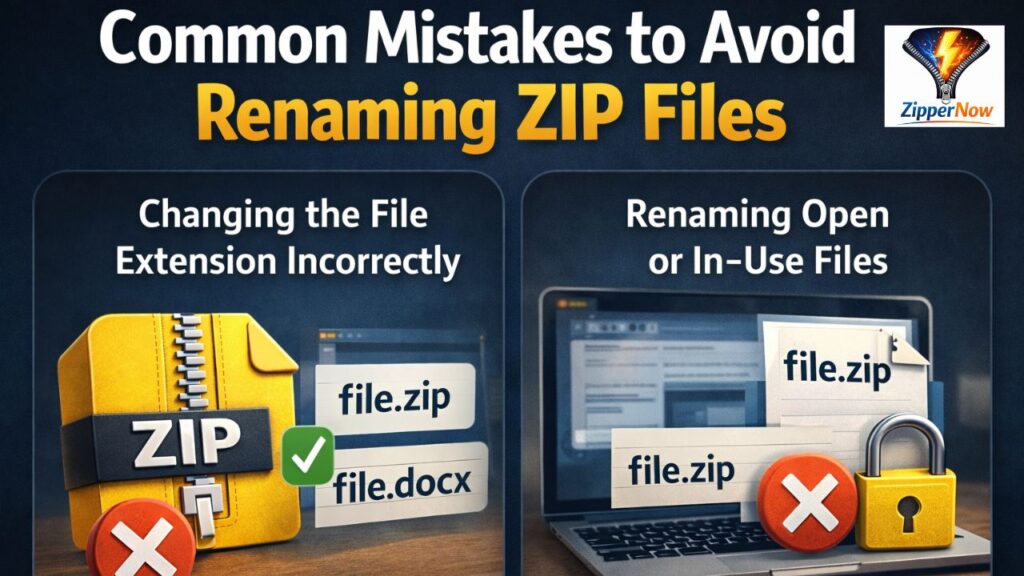
Changing the File Extension Incorrectly
Renaming file.zip to file.docx doesn’t magically convert it. It just breaks it.
Renaming Open or In-Use Files
Always close the file before renaming to avoid errors.
What to Do If a Renamed ZIP File Won’t Open
Check File Extension
Ensure it still ends with .zip.
Test File Integrity
Try opening it with another extraction tool like 7-Zip or WinRAR.
Best Practices for Naming ZIP Files
Use Clear and Descriptive Names
Include project name, date, or version.
Avoid Special Characters
Stick to letters, numbers, hyphens, and underscores.
Security Tips When Renaming ZIP Files
Beware of Fake Extensions
Hackers often use names like invoice.pdf.zip. Always double-check.
Scan Files Before Sharing
Especially important when sending ZIP files to others.
ZIP vs RAR vs 7Z: Does Renaming Change the Format?
Understanding File Formats
Renaming doesn’t convert formats. A ZIP renamed as .rar is still a ZIP inside.
Conclusion:-
One of such minor tasks that can have a significant impact on the manner in which you handle and share files is renaming a ZIP file. On Windows, Mac, Linux, Android, or even on iPhone, it is fast and safe as long as you observe the file extension. Consider it a rebranding rather than a rebranding of the contents. When you learn to do it, it becomes easy to organize files.
FAQs:-
1. Can I rename a ZIP file without extracting it?
Yes, you can rename it directly without extracting the contents.
2. Will renaming a ZIP file corrupt it?
No, as long as you don’t change the .zip extension incorrectly.
3. Why does my ZIP file stop opening after renaming?
Most likely, the file extension was changed or removed.
4. Can I rename ZIP files in bulk?
Yes, both Windows and macOS support batch renaming.
5. Is renaming a ZIP file the same as converting it?
No, renaming only changes the file name, not the file format.